Self-Hosting Private Server – Part 2: The Router's Firewall Strikes Back
Final working design: Immich behind Caddy with IPv6‑only public access via deSEC. What changed, why it works, verification, and a fallback plan for IPv4‑only users.
This part picks up where Part 1 left off. With SSH and a static IP in place, I set out to make my family’s photo server reachable over the internet. ChatGPT gave me a high‑level plan: run Immich behind Caddy, use DuckDNS deSEC for DNS (opted for deSEC due to lack of security features and reliability), and lean on IPv6 because my ISP hides me behind carrier‑grade NAT. On paper that’s straightforward; in practice I spent hours puzzled by “global” IPv4 addresses that weren’t actually reachable. This chapter records what worked, what didn’t, and how I learned to think in IPv6 while debugging through router quirks.
Why this chapter was a slog
I don’t work in networking, so I leaned on ChatGPT to outline the steps for this build: use a reverse proxy, set up DNS, and embrace IPv6 because my ISP’s carrier‑grade NAT makes inbound IPv4 forwarding impossible. I dutifully typed in every suggestion, read the documentation it pointed me to, and tested each change. When things went sideways I wasn’t sure whether I had misunderstood the instructions, whether Docker was misbehaving, or whether my router was lying to me. It took a week of running commands, checking logs, asking more questions, and occasionally walking away from the keyboard before I realised that my router’s UI was showing firewall rules that didn’t actually exist. This section is a record of that learning curve: following AI guidance, questioning it, and eventually finding my own way through the mess.
Open-Source Projects Used
deSEC
a free DNS hosting service, designed with security in mind. Running on open-source software and supported by SSE, deSEC is free for everyone to use.
Github repository: github.com/desec-io/desec-stack
Caddy
one of the few web servers with out-of-the-box support for HTTP/3 and QUIC, which are the latest advancements in web protocols. This feature ensures faster load times and better performance, especially for mobile users or clients with unstable network connections
Github repository: github.com/caddyserver/caddy
Immich
an open-source self-hosted photo and video management platform built with modern web technologies.
It provides automatic backup from mobile devices, AI-powered search and face recognition, and a polished web interface.
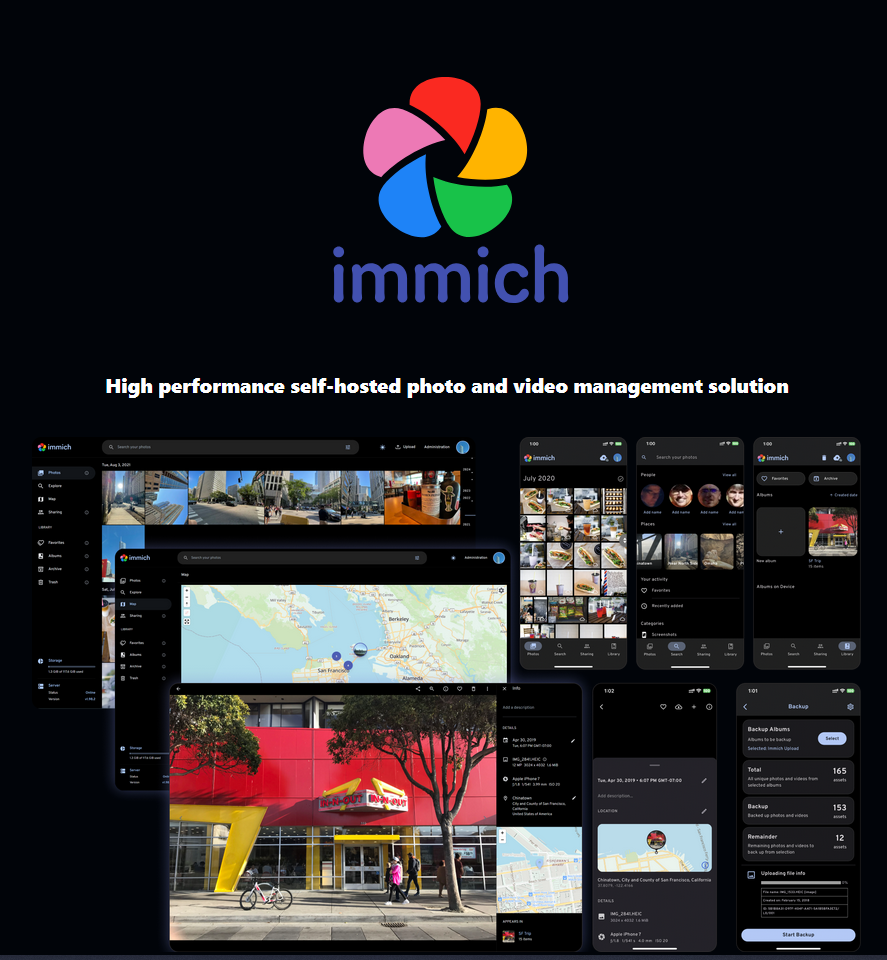
GitHub repository: github.com/immich-app/immich
Note: CGNAT (Carrier-Grade NAT) means your ISP shares one IPv4 among many customers, so port forwarding to your server is impossible.
TL;DR
- What: Immich is publicly reachable ONLY over IPv6 (HTTPS); reverse-proxied via Caddy.
- Why: Router is behind a CGNAT. Despite
ip ashowing "global" IPv4 addresses, they are only global locally on LAN and unreachable from the internet. IPv6 eliminates the necessity for NAT by giving every device a globally routable address (as long as the IPv6 firewall is configured properly). - How:
-
DNS: deSEC hosts the server. NS records remain at deSEC.
-
TLS: Caddy reverse-proxies the server, obtains, then serves valid Let’s Encrypt certificates over IPv6.
-
Verified: Access confirmed from a cellular network; redirects, cookies, and WebSockets behave correctly.
-
Caveat: Clients on IPv4-only networks cannot reach the site. Fallback: Cloudflare Tunnel/Tailscale Funnel or obtain a public IPv4 from the ISP.
-
The Initial Plan
- IPv6‑only public access:
Configured server and IPv6 firewall for inbound internet traffic.
- Stopped configuring IPv4:
IPv4 port‑forwarding cannot work through CGNAT.
- Caddy is the HTTPS entrypoint:
Terminates TLS and reverse‑proxies to Immich; auto‑renews certs over IPv6 via ACME (Automated Certificate Management Environment).
- DDNS simplified:
deSEC manages the name; updates target IPv6 only. (Add IPv4 later if public address is acquired, or front with a tunnel.)
Final architecture
Internet (IPv6)
    │
├─► deSEC (AAAA for <FQDN>)
    │
    Router (IPv6 on; inbound 80/443 allowed)
    │
    Ubuntu host
    ├─ Caddy (TLS, reverse_proxy)
└─ Immich (Docker)
deSEC (DNS)
Records:
-
AAAA <FQDN> <GLOBAL_IPV6> -
NS <domain> ns1.desec.io / ns2.desec.org(unchanged)
Docker & Caddy (sanitized)
Project layout
ddns-updater has been removed from the stack, but kept for information purposes (see DDNS Misadventure).
/opt/immich/
├─ docker-compose.yml
├─ Caddyfile
├─ .env
└─ddns-updater/
└─ config.json
docker-compose.yml (excerpt)
services:
    immich-server:
        image: ghcr.io/immich-app/immich-server:${IMMICH_VERSION:-release}
        env_file: [.env]
        volumes:
            - ${UPLOAD_LOCATION}:/data
            - /etc/localtime:/etc/localtime:ro
        depends_on: [redis, database]
        restart: always

    caddy:
        image: caddy:latest
        container_name: caddy
        depends_on: [immich-server]
        network_mode: host # This was removed due to docker network conflict (See Docker network mismatch)
        ports:
            - "80:80"
            - "443:443"
        volumes:
            - ./Caddyfile:/etc/caddy/Caddyfile:ro
            - caddy_data:/data
            - caddy_config:/config
        restart: always

    # ddns-updater has been removed from the compose stack (see DDNS Misadventure)
    ddns-updater:
        image: qmcgaw/ddns-updater
        container_name: ddns-updater
        volumes:
            - ./ddns-updater:/updater/data
        environment:
            - PERIOD=5m
        restart: unless-stopped

volumes:
    model-cache:
    caddy_data:
    caddy_config:
    caddy_logs:

networks:
    default:
        driver: bridge
        enable_ipv6: true
        ipam:
            driver: default
Caddyfile (sanitized)
{
    email <ACME_EMAIL>
}

<FQDN> {
    encode zstd gzip

    header {
        Strict-Transport-Security "max-age=31536000; includeSubDomains"
        X-Content-Type-Options "nosniff"
        X-Frame-Options "DENY"
        Referrer-Policy "strict-origin-when-cross-origin"
    }

    # Immich upstream (adjust if different)
    reverse_proxy http://immich-server:2283
}
DDNS (ddns-updater config; sanitized)
ddns-updater config; sanitized)ddns-updater was removed from the container (see DDNS Misadventure)
{
    "settings": [
    {
        "provider": "desec",
        "domain": "<FQDN>",
        "token": "<DESEC_TOKEN>",
        "ip_version": "ipv6"
    }
    ]
}
Add an IPv4 block later only if you obtain a true public IPv4 or terminate a tunnel on a public endpoint.
Router & host (server) firewall
Router:
IPv6 inbound 80/443 TCP allowed to the server.
Server firewall (UFW):
sudo ufw allow 80/tcp
sudo ufw allow 443/tcp
No inbound ports besides 80/443 are open. SSH access is restricted to my LAN and rate-limited via UFW.
Verification (commands)
Run from outside the home network (e.g., mobile data).
DNS: AAAA only
dig +short A    <FQDN>          # (empty)
dig +short AAAA <FQDN>          # <GLOBAL_IPV6>
HTTP → HTTPS redirect
curl -6I http://<FQDN> # 301/308 with Location: https://<FQDN>/TLS & HTTP/2
curl -6I https://<FQDN> # 200 with normal headersOptional: HTTP/3
curl -6I --http3 https://<FQDN>Certificate details
echo | openssl s_client -connect <FQDN>:443 -servername <FQDN> 2>/dev/null \
| openssl x509 -noout -subject -issuer -dates -ext subjectAltName
Browser checks
- No mixed‑content errors in Console.
- Cookies set by Immich are Secure (and HttpOnly where applicable).
- WebSockets: live updates appear on a second client after an upload (
101 Switching Protocolsvisible in DevTools → Network).
Large uploads
- Upload a 200–500 MB video from mobile data; completes without
413or proxy timeouts.
Why IPv6‑only is the right fit
- Router’s WAN IPv4 is CGNAT (
100.x.x.x) → inbound IPv4 cannot reach the LAN. - ISP provides global IPv6; inbound 80/443 over IPv6 works.
- Removing the A record prevents clients from attempting an unreachable IPv4 path first.
- Most IPv4-only clients attempt A records before AAAA records, so removing the A record avoids failed connection attempts.
Limitation: users on IPv4‑only networks cannot connect.
Fallback plan for IPv4‑only users
- Cloudflare Tunnel in front of Caddy (keeps this architecture; adds IPv4 reachability).
- Tailscale Funnel (private mesh sharing).
- Public IPv4 from the ISP, then restore the A record and standard forwarding.
Misconfigurations discovered and resolved
During deployment I hit a couple of snags that prevented the stack from working at first. In both cases I followed snippets I found online or suggestions from ChatGPT without fully understanding the context. The failures forced me to slow down and learn what each option actually did.
- DDNS updater misadventure.
Early on I thought my DNS records weren’t updating quickly enough. ChatGPT suggested using a ddns‑updater container to push my AAAA record to deSEC on a schedule. I copied the configuration without really reading the logs. The container crashed constantly, and even after I removed it the server still wasn’t reachable. In hindsight this wasn’t the problem at all — the AAAA record stays the same because IPv6 prefixes don’t change often. The real culprit was my network configuration (see below). I decided not to reintroduce ddns‑updater; if the server becomes unreachable in the future I’ll check the global IPv6 first before assuming DNS is broken.
- Docker network mismatch.
At one point I set network_mode: host on the Caddy service because a tutorial implied it would simplify port binding. ChatGPT didn’t catch the conflict. Meanwhile the other containers were on the default bridge network. Host mode shares the server’s network stack, while bridge mode isolates containers behind a virtual switch. Mixing the two prevented Caddy from resolving immich-server by name and resulted in connection errors. The solution was to remove network_mode and let Compose manage the bridge. Once every container was on the same network, reverse_proxy http://immich-server:2283 worked as expected. The lesson: read Docker’s network documentation and don’t blindly copy examples.
All other services remain internal to the Docker network and are not directly exposed.
Self‑hosting Immich: options considered and my choice
Through this project I learned there are several ways to self‑host Immich:
-
Local network only. Expose Immich directly on the LAN by mapping port 2283 (e.g.
ports: "2283:2283") and access it via IP. This works for purely internal use but leaves uploads unencrypted and isn’t reachable over the internet.- Pros: Simple setup, no reverse proxy needed.
- Cons: Unencrypted traffic; not accessible outside the LAN.
-
Caddy reverse proxy (my choice). Run a Caddy container in the compose stack, bind ports 80 and 443, and proxy requests to
immich-server. Caddy automatically obtains and renews TLS certificates and lets me add headers and compression easily.- Pros: Automatic HTTPS, minimal config, secure.
- Cons: Requires open ports 80/443.
-
Traefik reverse proxy. Similar to Caddy but uses labels and dynamic routing. Traefik is powerful in large multi‑service deployments but adds complexity for a single app.
- Pros: Great for scaling and multi-service orchestration.
- Cons: Higher learning curve; overkill for one service.
-
VPN‑only access (e.g. Tailscale). Don’t expose any ports; instead join all family devices to a mesh VPN and access Immich via its private IP. This is secure but requires every user to install and sign in to the VPN.
- Pros: Very secure; no public exposure.
- Cons: Requires VPN client and login for every user.
-
Cloud tunnels (e.g. Cloudflare Tunnel). Use a tunnel agent to publish Immich through a cloud proxy. This bypasses NAT/firewall issues but adds an external dependency and potential costs.
- Pros: Works even behind CGNAT; zero-config HTTPS.
- Cons: External dependency; potential vendor lock-in or cost.
-
Public IPv4 with direct forwarding. If your ISP provides a real public IPv4, you can use an
Arecord and forward ports 80/443 through your router.- Pros: Traditional and straightforward.
- Cons: Relies on rare or paid IPv4 availability; manual cert management if not proxied.
Because my ISP uses carrier‑grade NAT and only provides global IPv6, and getting my family to download and configure Tailscale for VPN-only access seemed convoluted, I chose using Caddy behind deSEC with an AAAA record allowing secure HTTPS access without needing a public IPv4 address. Caddy’s simplicity (single file configuration, automatic TLS) made it easy to manage, and the IPv6‑only deployment meets my family’s needs. If IPv4 connectivity becomes necessary I can layer a Cloudflare Tunnel/VPN through Tailscale, or acquire a public IPv4 without re‑architecting the stack.
Appendix A — minimal .env (sanitized)
IMMICH_VERSION=v2
# Immich examples
DB_USERNAME=immich
DB_PASSWORD=<REDACTED>
DB_DATABASE_NAME=immich
UPLOAD_LOCATION=/srv/immich/library
Appendix B — deSEC one‑off update (sanitized)
I removed the routine updater from running automatically, if the server can no longer be reached due to IP misconfiguration, running this script should resolve it.
Seed/update AAAA manually; routine updates handled by ddns-updater
curl "https://update.dedyn.io/?hostname=<FQDN>&myipv6=$(curl -s -6 ifconfig.co)" \
-u "<FQDN>:<DESEC_TOKEN>"
Final state
-
✅ Public over IPv6 at
https://<FQDN> -
✅ Valid TLS (Let’s Encrypt via Caddy)
-
✅ Immich reachable and functional (web, uploads, live updates)
- 🚫 No public IPv4 by design (CGNAT) — add a tunnel or public IPv4 later as needed
All sensitive details are sanitized:
<FQDN>,<GLOBAL_IPV6>,<ACME_EMAIL>,<DESEC_TOKEN>,<REDACTED>.This report was templated with help from ChatGPT. I validated the simple parts easily; the trickier parts required testing, debugging, and a fair amount of trial-and-error on my side.